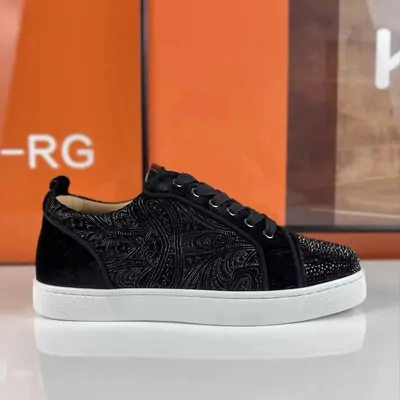
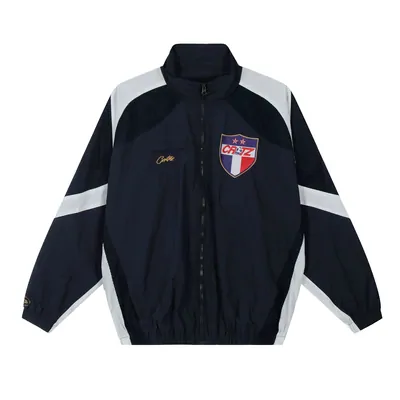
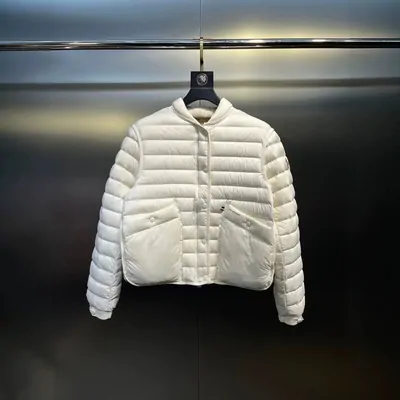
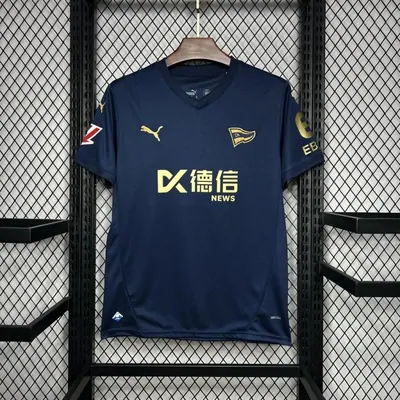
A collection of product links with the guidance to turn a find into a considered purchase. Begin with something you want to wear or use, then read the seller’s listing for the actual options.
This journal connects finding an item with reading its measurements, reviewing warehouse photos and asking a useful question. The small Finds selection gives you starting points; the guides help you make your own choice.
Browse a category or search for an item. Open its source, compare the seller and measurements, and write down the size, colour and quantity you want beside the URL.
Use a similar item you own as a reference. If a photo or size table leaves an important question unanswered, settle it before paying.
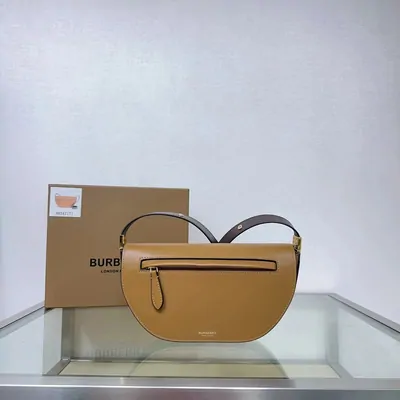
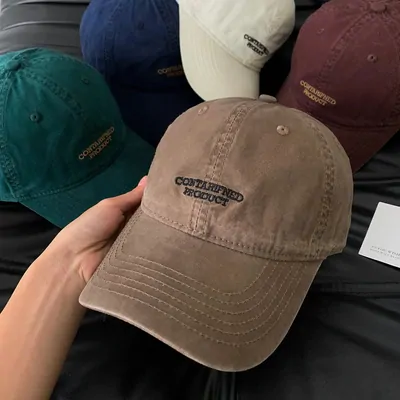
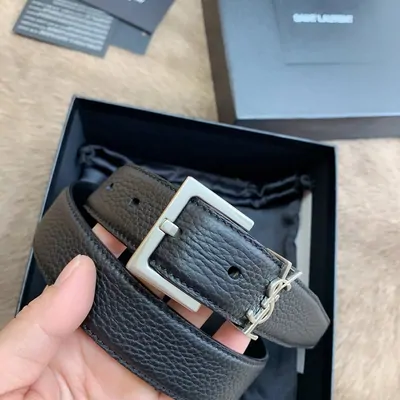
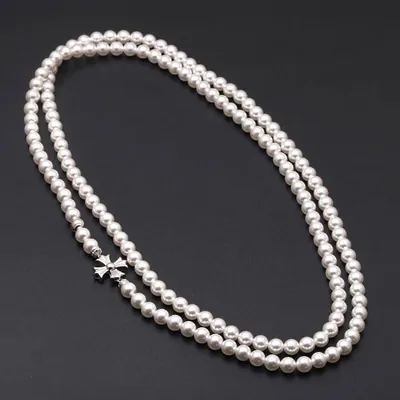
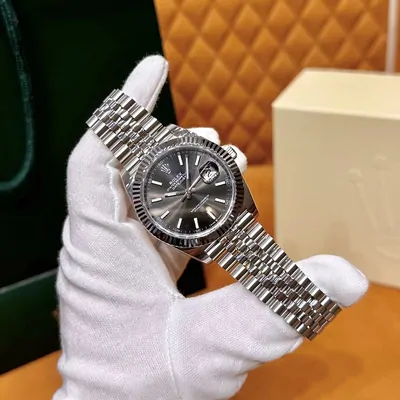
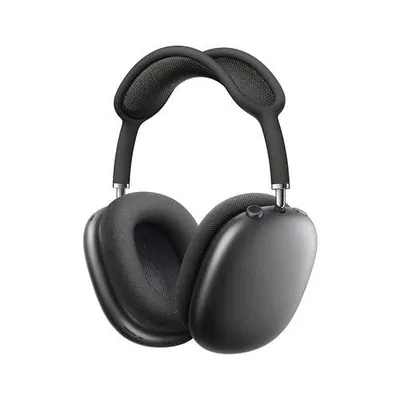
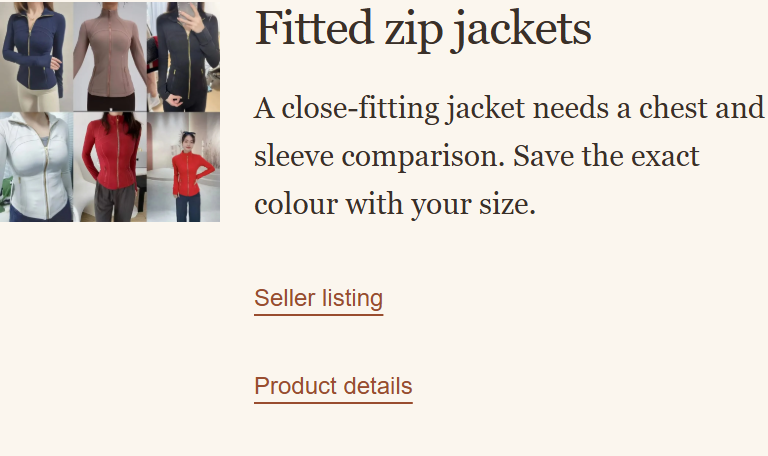
A real entry from Finds: read the item notes, then open its source or product details.Read the browsing steps →
Hoobuy is a shopping agent. It purchases the seller item you request, receives it at a warehouse in China and arranges your chosen international shipment. You choose the options, review the warehouse arrival and pay for the goods and parcel separately.
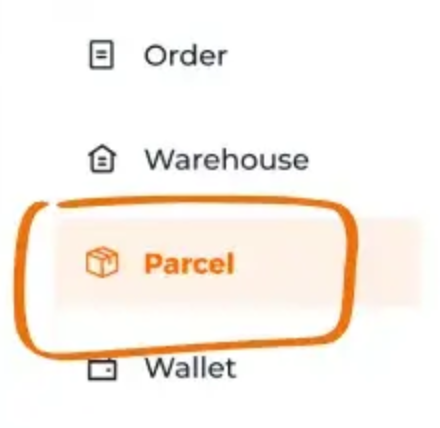
Read about the agent’s role →Order, Warehouse and Parcel in Hoobuy’s account menu. Follow the guide through these stages.
How to use Hoobuy
Import the product link, confirm the selected version and pay the purchase total. When it reaches the warehouse, compare QC with your notes and resolve missing views or returns.
Next choose packing and a suitable route, pay the parcel quote, then follow tracking. Check the contents when they arrive and retain the reference if you need help.
Source-link ordering and warehouse records can make a purchase easier to follow across the seller and parcel stages. Check that the goods, inspection needs and destination are supported; compare costs and return terms before committing.