Read the item, not just the photograph
Warehouse photos can help you notice a wrong option or a visible problem before international shipping. Start with your own order and a view of the whole item.
What is QC?
QC is the inspection information and photographs associated with warehouse receipt. Use it to compare the received quantity, option and visible condition with your order. A photograph cannot establish how a garment feels, how electronics work internally or how an item will wear over time.
How to check QC photos
- Match the item and quantity to the order record. Check any visible size or model label.
- Look at the full front and back, or both shoes in a pair. A close-up alone leaves the overall shape and missing parts unclear.
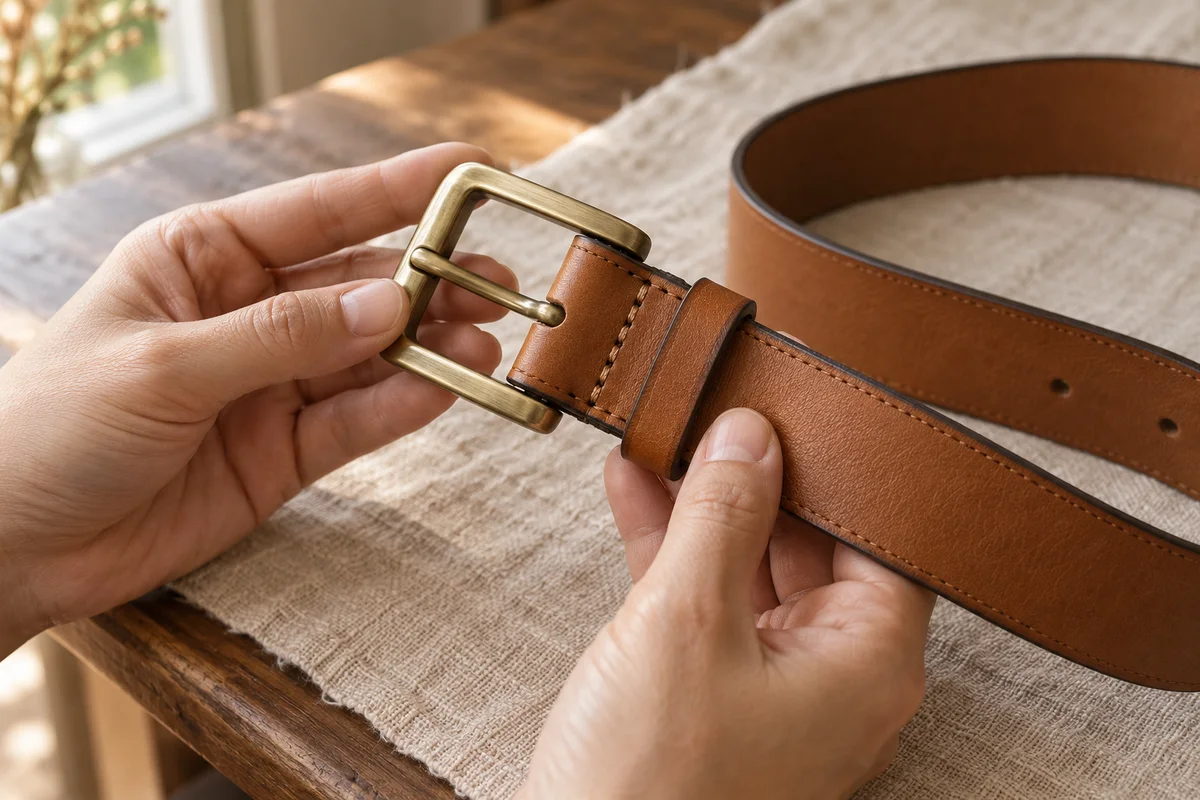
- Inspect the seams, print, fastening, sole or hardware that will affect your decision.
- Compare a requested measurement with the seller’s method and a suitable item you own.
How to use the filters and review prompts
On the Finds page, choose a category to narrow the selection and select All finds to restore it. When reviewing warehouse photos, tick the prompts below as you work through them. The count is temporary reading progress and does not accept an item in your account.
Work through these prompts with your order notes beside you. If something is missing, ask about that detail while the item is still in the warehouse.
Treat a colour concern as a question to resolve
Lighting, exposure and screen settings can change a colour’s appearance. If the shade looks different from the selected option, ask for a clear view under more neutral lighting and confirmation of the option label. Explain which part concerns you, rather than asking for a general “better QC”.
Ask for a view that answers one question
- A print looks uneven
- Ask for a straight-on view of the full print, with the fabric laid naturally. Name the edge or alignment you want to see.
- A sleeve may be too short
- State the measurement endpoints, such as shoulder seam to cuff, and ask for the tape to remain visible.
- A fastening is hidden
- Name the zip, clasp or buckle and ask for the relevant open and closed view if the service can provide it.
- A shoe pair looks different
- Ask for both shoes at the same angle and distance, including the side or heel in question.
Confirm any extra-service charge before requesting it.
Decide what would change your choice
A missing view is most useful to request when its answer could change whether you accept the item. For a wrong variant, start with the order label and option. For a possible fit issue, start with a comparable measurement. Keep a screenshot of the relevant part for your message.